How to Fix Connection Errors in Fart Together: Room & Network Troubleshooting
Troubleshoot network issues including Room not found when entering room codes.
How to Fix Connection Errors in Fart Together: Room & Network Troubleshooting
When joining a multiplayer room, players may encounter Room not found. The game prompts Check the code and try again.
For how to host and share lobby codes with friends, check the multiplayer room guide.
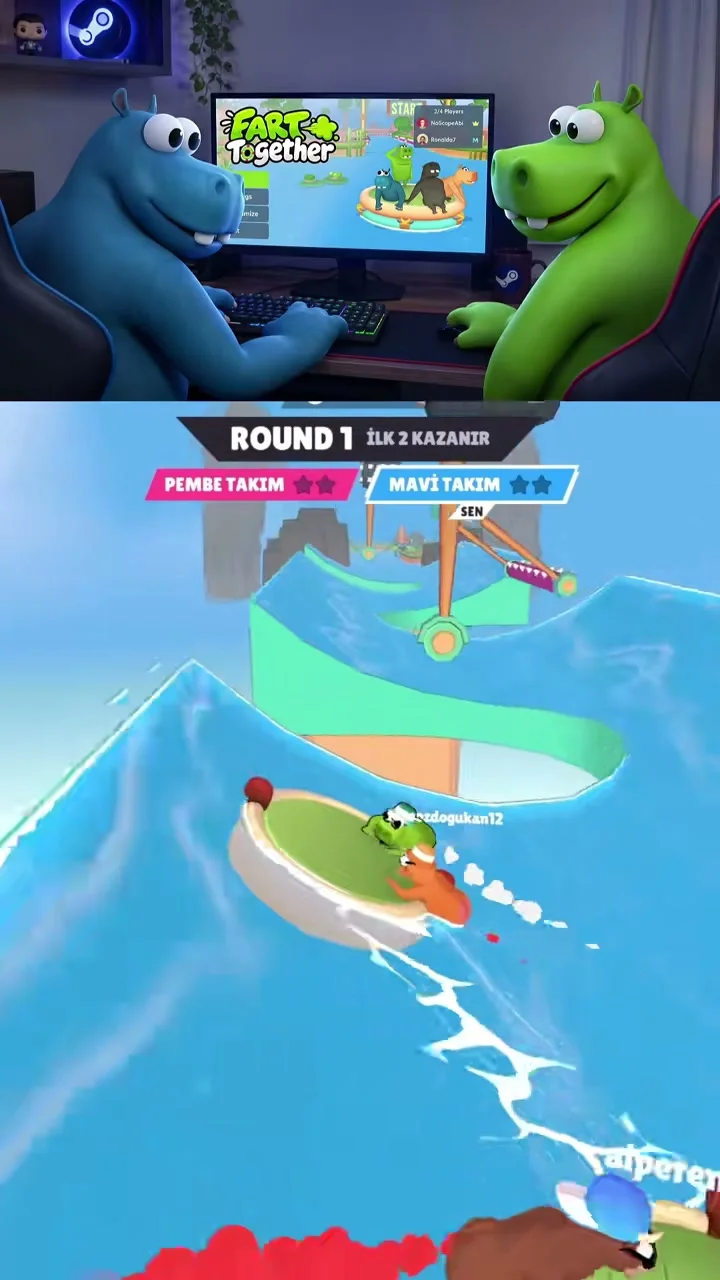
Fixing Room Not Found Errors
If a room is at capacity, the screen informs players This room is full. When a session drops, the client warns Connection timed out. The system prompts Check your internet connection and try again. If the server denies access, the interface states The server refused the connection. The notification requests Try again in a moment.
Fixing Version Mismatch and Region Errors
When client builds differ, the prompt states This room isn’t compatible with your version. The game requires Update the game and try again.
If a server zone fails, the interface reports The selected region is unavailable right now. The dialog recommends Try Automatic or another region in Settings. In the region menu, players can select Automatic (best ping).
For room code creation instructions, read the room code guide.