Fart Together Controller Support: Gamepad Bindings & Input
Gamepad bindings reference in Fart Together for steering with Left Stick or D-Pad controls.
Fart Together Controller Support: Gamepad Bindings & Input
The store description states that “Fart Together is a physics-based obstacle course game where 2–4 players steer the same raft using fart power.” The in-game settings provide dedicated configurations under CONTROLLER.
For alternative keyboard and mouse mappings, consult the keyboard controls guide.
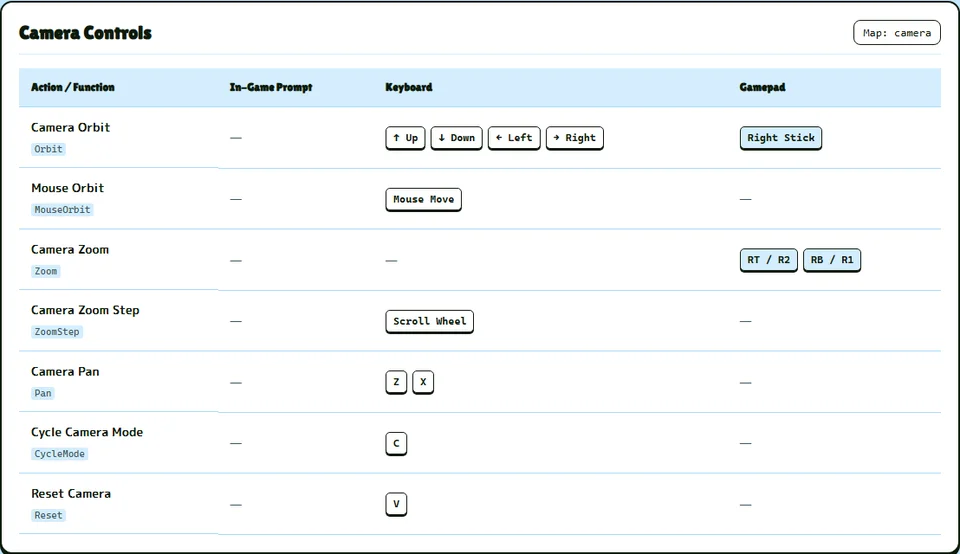
Gamepad Button Mappings for Raft Navigation
For steering the raft, the 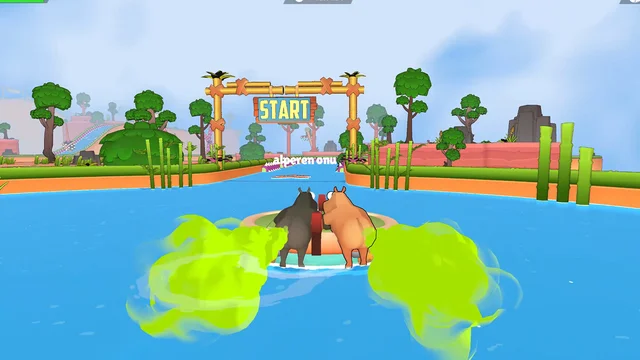 Controls map turning to “Left Stick X or D-Pad Left / Right”. To activate fart gas propulsion, the gamepad input uses “A / Cross (South)”.
If the raft becomes lodged against obstacles, players activate unstuck using “Y / Triangle (North)”.
Lobby Gamepad Controls
Inside the [[lobby]], players confirm ready status using “Space or A / Cross (South)”. To cancel ready status before launch, players press “X or X / Square (West)”. Across all menus and active gameplay, global pause is assigned to “Esc or Start / Menu”.
To review basic navigation mechanics, read the gas mechanics guide.