How to Change Your Hippo Colour in Fart Together: Lobby Selection
Select character colour in the lobby using A / D or D-Pad Left / Right.
How to Change Your Hippo Colour in Fart Together: Lobby Selection
In the [[lobby]], players select character colour using “A / D or D-Pad Left / Right”.
For multiplayer room setup and friend invitations, read the multiplayer room guide.
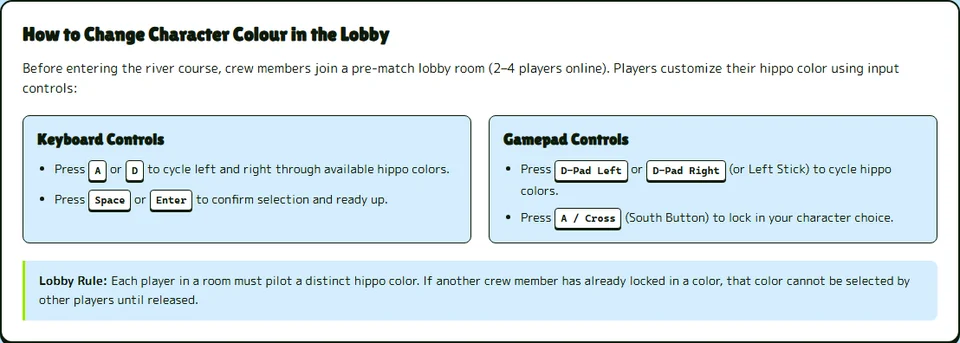
Selecting Character Colours in the Lobby
The game interface includes the menu string CHANGE OUTFIT. The demo course provides 4 character spawns on the raft. Players can choose character colour Grey for their hippo. Players can also select character colour Blue. Another selectable option is character colour Orange. The remaining selectable option is character colour Green.
When ready to play, players toggle ready status with “Space or A / Cross (South)”.
Corner Positions and Raft Coordination
In the lobby, players can cancel ready status with “X or X / Square (West)”.
To check controller bindings for character selection, see the controller support guide.